
YouTube Video Downloader — fast & free
Paste a YouTube link to save videos as MP4, convert them to MP3 or grab the HD thumbnail. Works with Shorts, on iPhone, Android and PC — no app, no sign-up.
| 1080pFull HD | MP4 | |
| 720pHD | MP4 | |
| 480p | MP4 | |
| 360p | MP4 · small file |
| Best qualityBest | M4A audio | |
| Small file | M4A audio |
| Max resolution1280×720 | JPG | |
| High quality | 480×360 JPG | |
| Medium quality | 320×180 JPG |
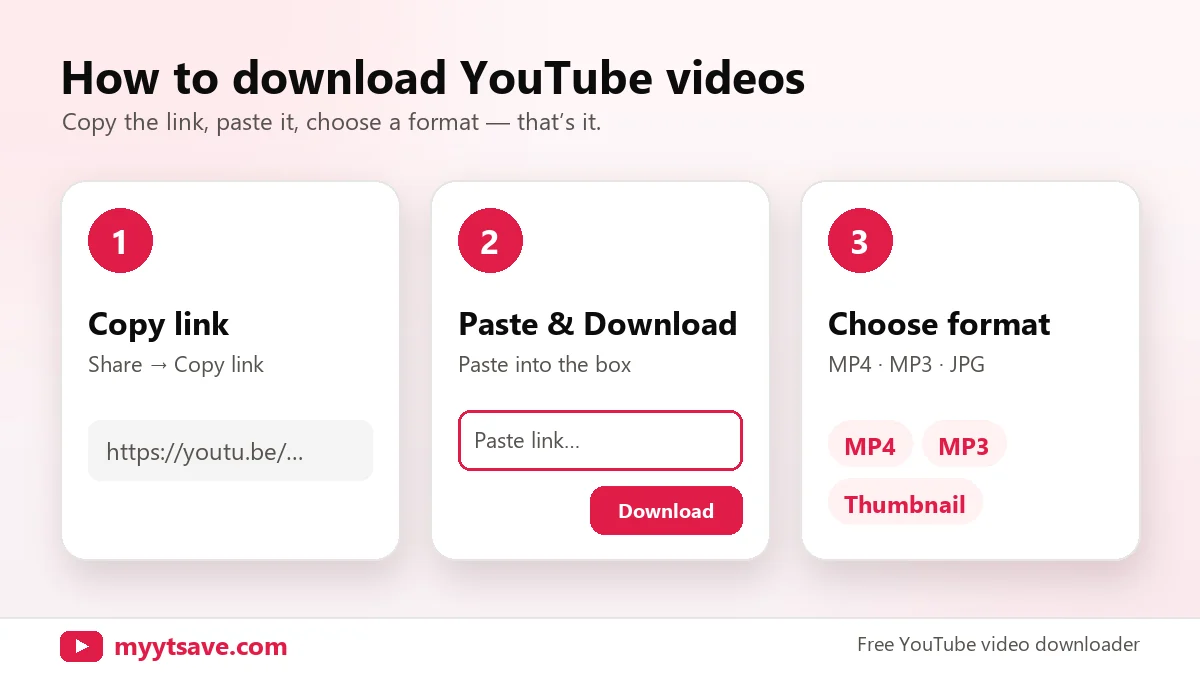
How to download YouTube videos
Three steps on any phone or computer. No browser extension needed.
Copy the video link
Open the video on YouTube, tap Share → Copy link, or copy the address from your browser bar. Shorts links work too.
Paste it above
Paste the link into the box (or tap Paste). The downloader shows the video title, channel and thumbnail so you know it’s the right one.
Pick a format and save
Choose MP4 in the quality you want, MP3 for audio only, or the thumbnail. The file saves to your Downloads folder.
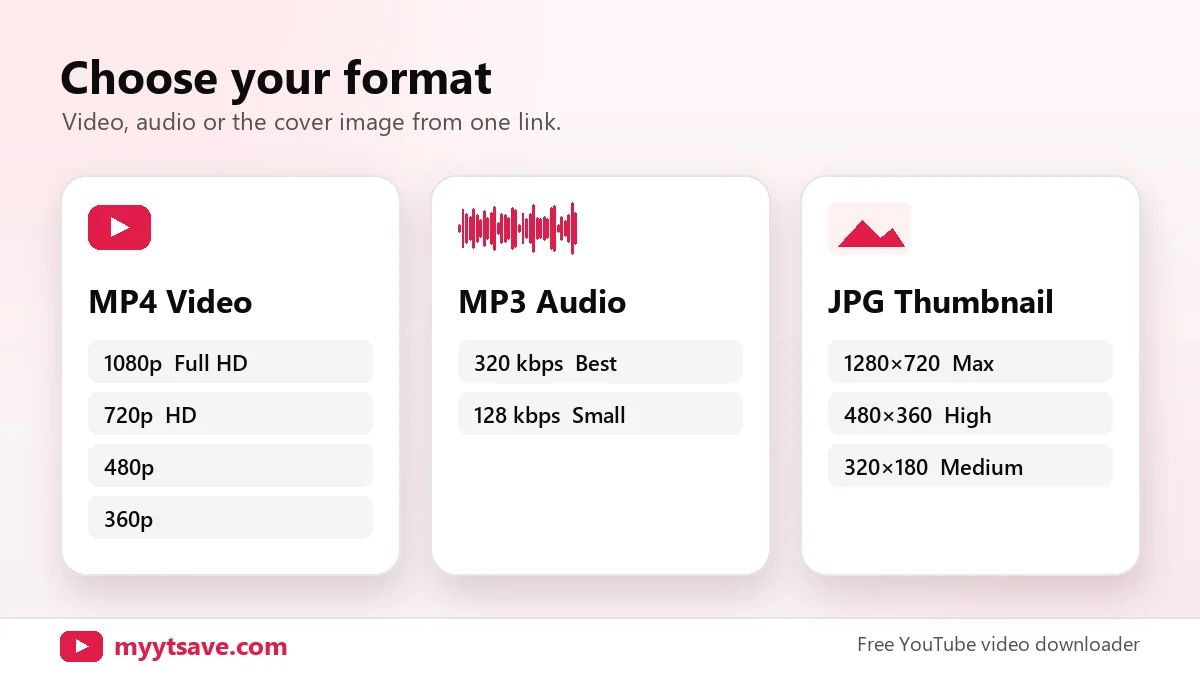
MP4, MP3 or thumbnail — your choice.
One link gives you every option. Save the full video in HD, keep only the audio for a podcast or lecture, or download the cover image for a presentation.
- MP4 in 1080p, 720p, 480p and 360p
- MP3 at 320 kbps or 128 kbps
- Thumbnails up to 1280×720
Save YouTube Shorts in one tap.
Paste any youtube.com/shorts/ link and the downloader recognises it automatically, keeping the vertical 9:16 format for Reels, Stories and TikTok-style edits of your own content.
- Vertical video kept in original quality
- Works from the Shorts share button
- Download the audio only, if you prefer
youtube.com/shorts/… → MP4 · MP3
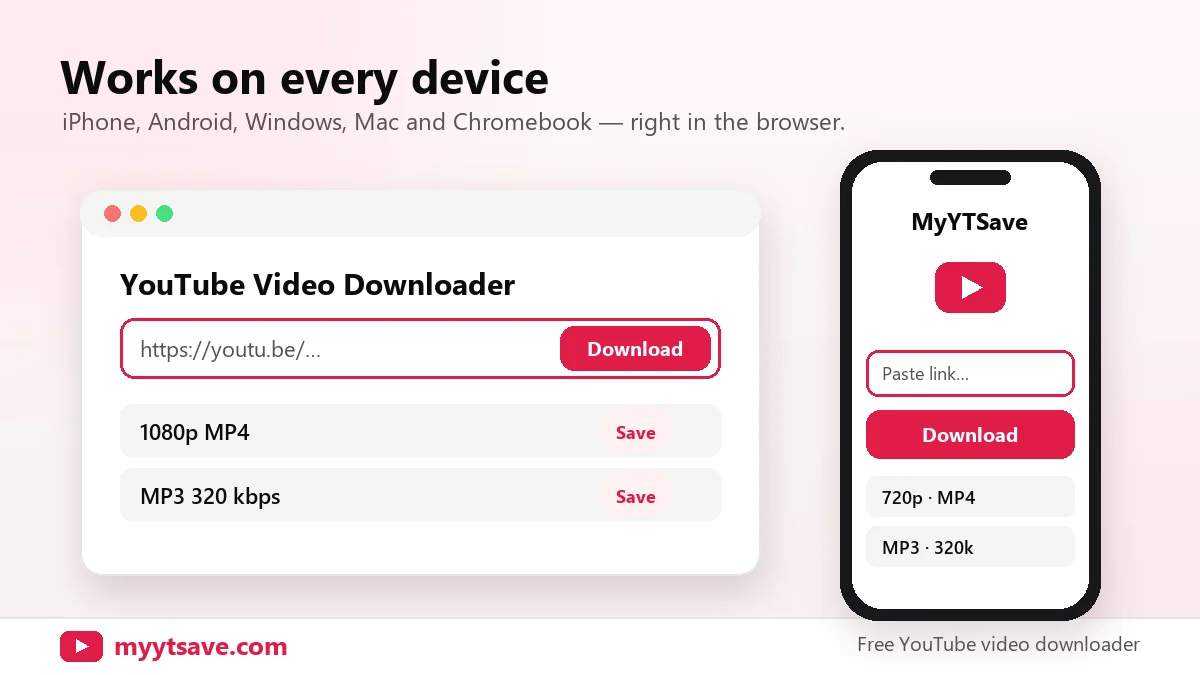
Download YouTube videos on any device
The downloader runs in your browser, so the steps are almost the same everywhere.
iPhone & iPad
Use Safari, then open the file from the Downloads arrow or the Files app.
iPhone guide →Android
Use Chrome; videos save to the Downloads folder and appear in your gallery.
Android guide →Windows & Mac
Works in Chrome, Edge, Firefox and Safari. No software to install.
Chromebook & tablets
Any modern browser works — files go to your Downloads folder.
Which format should you choose?
Higher quality looks better but takes more space. Approximate size for a 10-minute video:
| Format | Best for | Approx. size / 10 min |
|---|---|---|
| MP4 1080p | TV, laptop, editing | 150–300 MB |
| MP4 720p | Phones and tablets | 80–150 MB |
| MP4 480p | Saving storage | 40–80 MB |
| MP4 360p | Slow connections | 25–50 MB |
| MP3 320 kbps | Best audio quality | about 24 MB |
| MP3 128 kbps | Podcasts, lectures | about 10 MB |
A video can only be downloaded in qualities the uploader made available. If a 1080p option is missing, the original was uploaded in a lower resolution.
Is it legal to download YouTube videos?
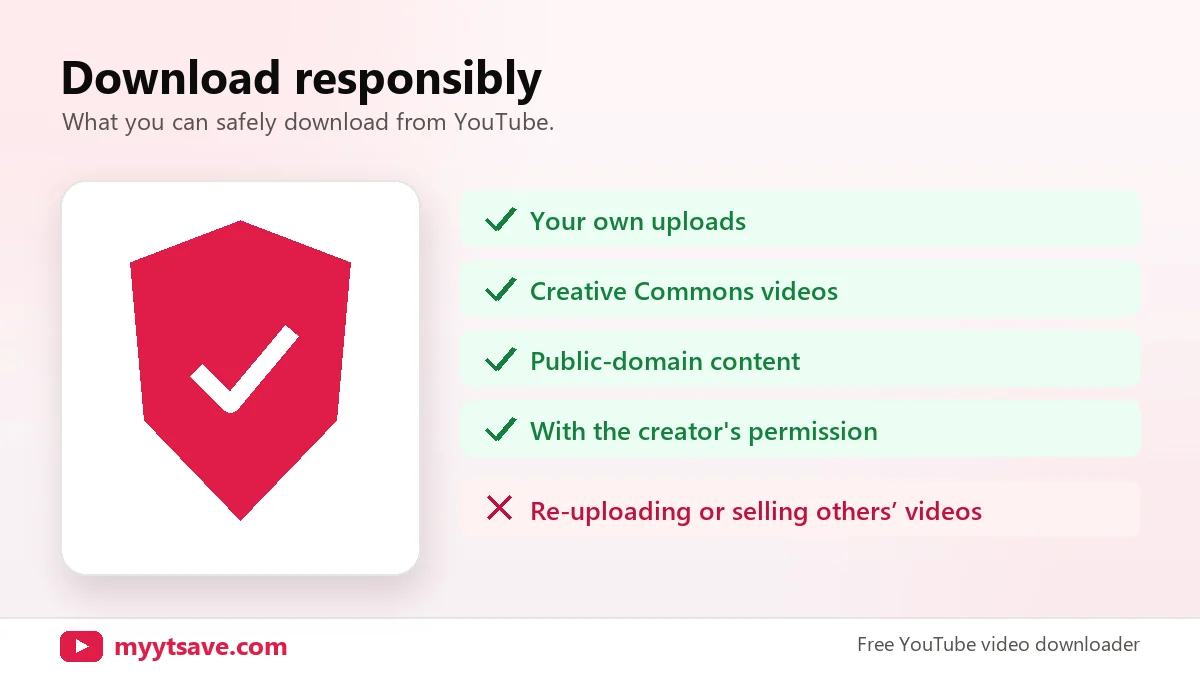
It depends on the video and how you use it. Downloading is generally fine when you own the content, the video is licensed for reuse (such as Creative Commons) or the creator has given you permission. Downloading copyrighted videos without permission can break copyright law and YouTube’s Terms of Service.
Want official offline viewing? YouTube Premium lets you save videos inside the YouTube app. Read our full guide: Is it legal to download YouTube videos?
Online downloader vs. YouTube Premium vs. apps
| MyYTSave | YouTube Premium | Desktop apps | |
|---|---|---|---|
| Price | Free | Monthly subscription | Free or paid |
| Install needed | No | YouTube app | Yes |
| File you can keep | MP4 / MP3 file | Inside app only | Yes |
| Works on iPhone | Yes, in Safari | Yes | Rarely |
| Thumbnail download | Yes | No | Sometimes |
Why isn’t my YouTube video downloading?
Private or deleted video
Only public and unlisted videos can be read. Check the link opens in a private browser window.
Age-restricted or members-only
Videos that require sign-in, age checks or channel memberships can’t be downloaded.
Live streams
Wait until the stream ends and the replay is processed, then try again.
Wrong link copied
Copy from the Share button, not a playlist or channel page. Links should contain watch?v=, youtu.be or /shorts/.
Download opens in a new tab
Long-press (phone) or right-click (computer) the video and choose Download or Save video as.
Quality not listed
The uploader didn’t provide that resolution. Pick the highest quality offered.
YouTube downloader FAQs
What is a YouTube video downloader?
A YouTube video downloader is an online tool that turns a YouTube link into a file you can keep — an MP4 video, an MP3 audio file or a JPG thumbnail. MyYTSave works in your browser with no app or account.
How do I download a YouTube video?
Copy the video link, paste it into the box at the top of this page, press Download, then choose MP4, MP3 or Thumbnail and the quality you want.
Is MyYTSave free?
Yes. The downloader is free to use with no sign-up and no watermark on files.
Can I download YouTube Shorts?
Yes. Paste a youtube.com/shorts/ link and download it as MP4 or MP3 just like a normal video.
Where do downloaded videos go?
On a computer and Android they go to your Downloads folder. On iPhone and iPad, Safari saves them to Files → Downloads.
Can I download a whole playlist?
Not at the moment. Paste each video link individually.
Is it legal to download YouTube videos?
It is generally allowed for videos you own, Creative Commons videos or with the creator’s permission. Downloading copyrighted videos without permission may break copyright law and YouTube’s Terms of Service.
Do you store my videos or links?
No. We don’t keep copies of videos and we don’t need your YouTube account.
Save your next video in seconds
Paste a link, choose MP4, MP3 or thumbnail, and download — free on every device.
Paste a YouTube link →